
October: Homepage Dashboard and Sign Up features

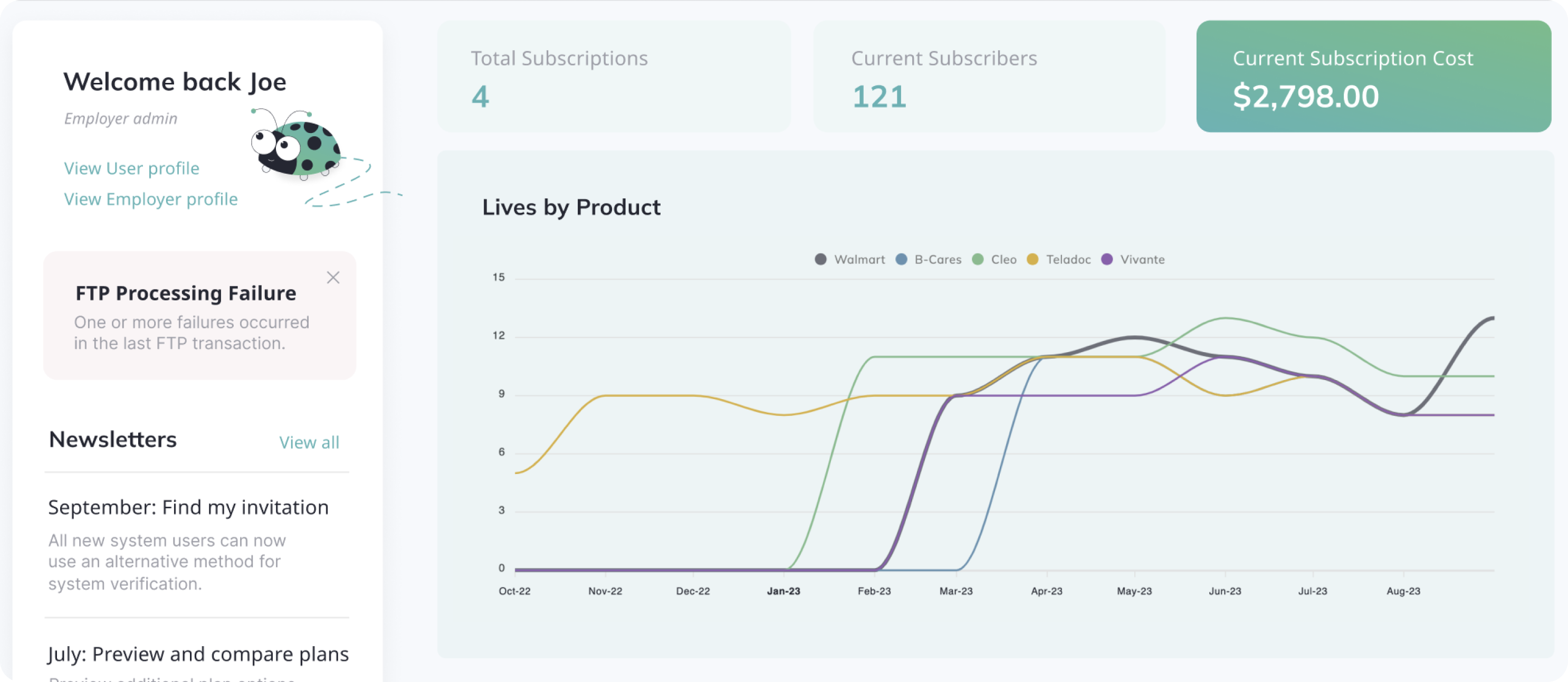
We are pleased to introduce a range of new reporting features on the Homepage, encompassing statistics on lives, subscriptions, payments, and more.
Enjoy the new enhanced sign-up process that includes mobile SMS verification and provides users with intuitive guidance.
Homepage Reporting Dashboard
REPORTS
The new Homepage Reporting Dashboard is available under the Home tab on the left-hand navigation menu. You can keep abreast of the latest changes to your lives, payments, and subscribers. Additionally, you'll have access to various convenient links to quickly access the most essential features to navigate the app easily.
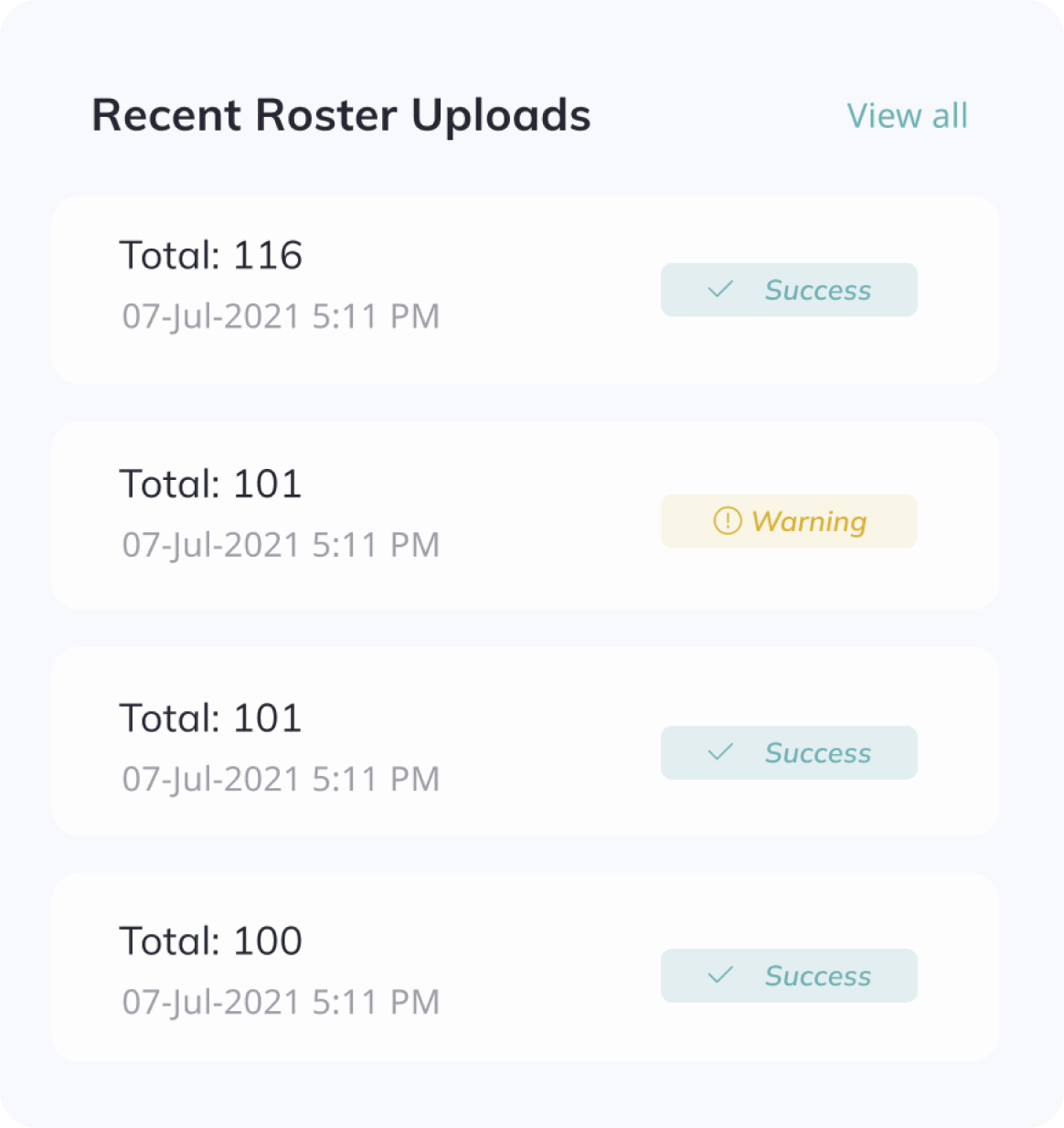
The Recent Roster Uploads list shows the recent logs from SFTP integrations or manual CSV uploads for employee roster updates.
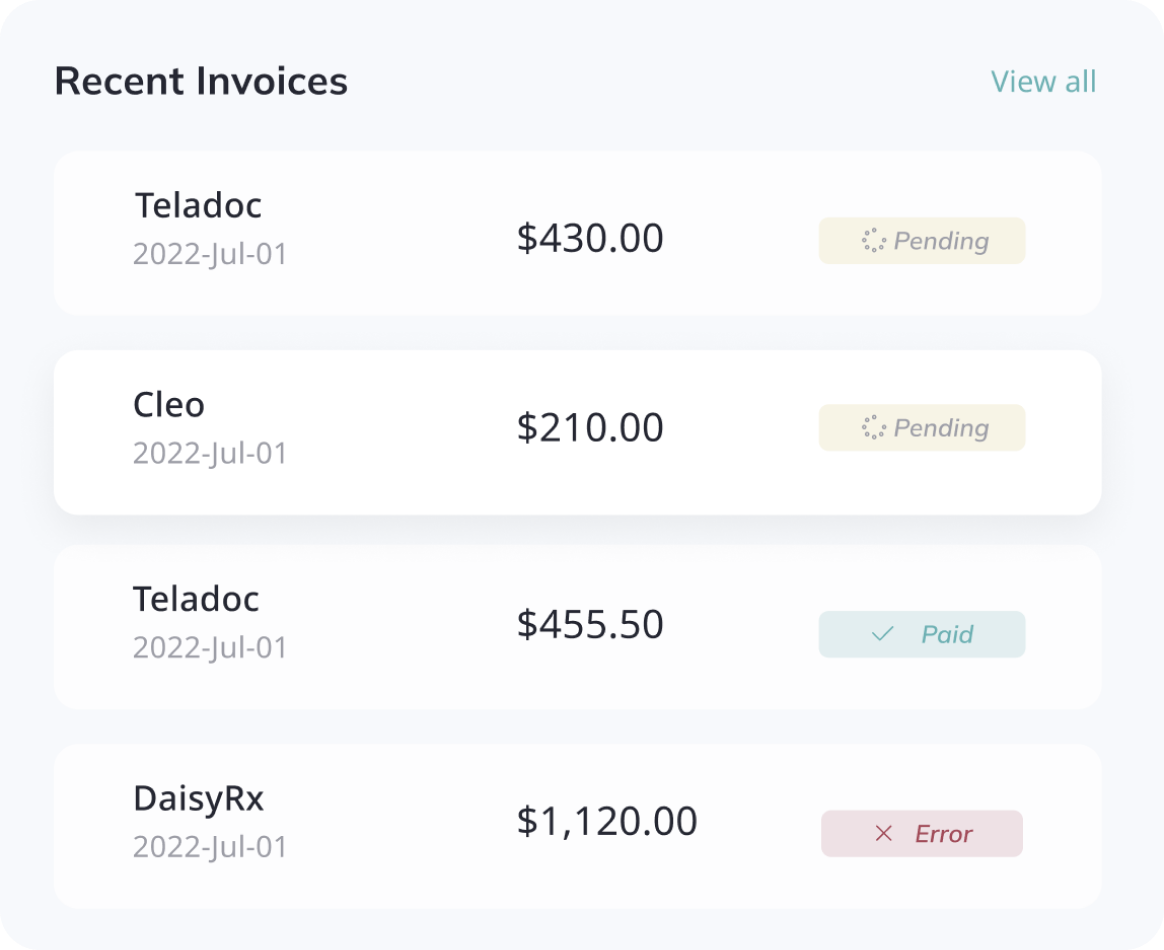
The Recent Invoices listing shows the most recent invoices with their status. It also includes the product name, invoice date, and invoice amount.
Sign Up improvements
USERS
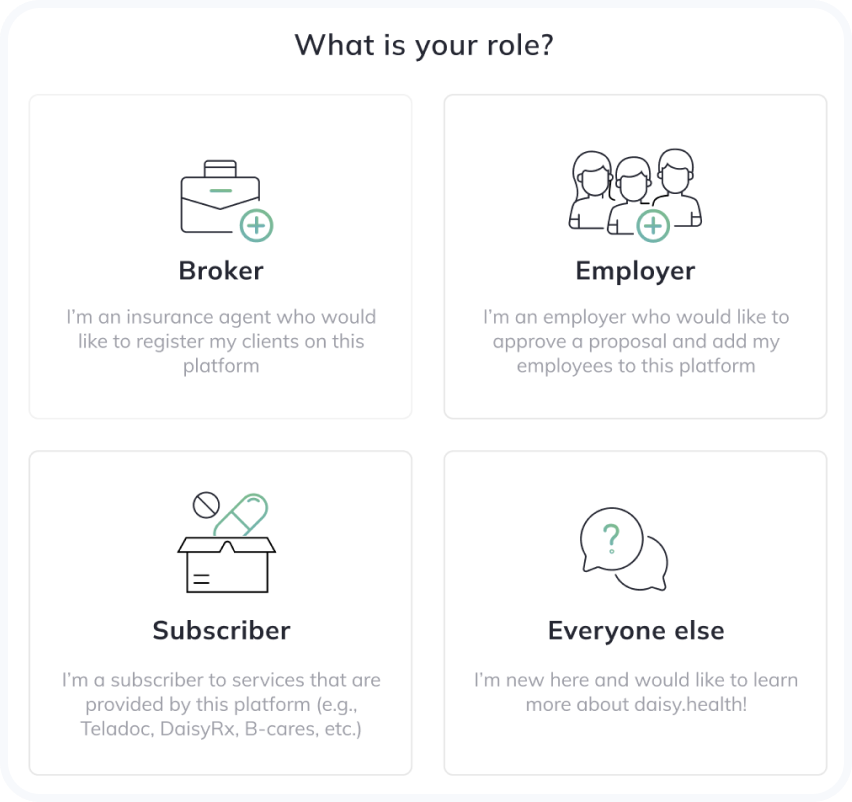
We've introduced an informative screen as part of the sign-up process to assist users in selecting the appropriate pathways based on their roles and accessing the most up-to-date, pertinent information.
Employers will be directed to the "Find my invitation by email" flow. Subscribers can peruse the onboarding materials, while other users have the option to "Request a demo" with our support team.
Sign Up with a mobile device
USERS
The enhanced Sign-up process for Employers now provides an additional option to receive the verification code via SMS.
If your mobile phone is already registered in our system, you will be prompted to choose your preferred verification method. Please make sure that your mobile device is capable of receiving text messages.
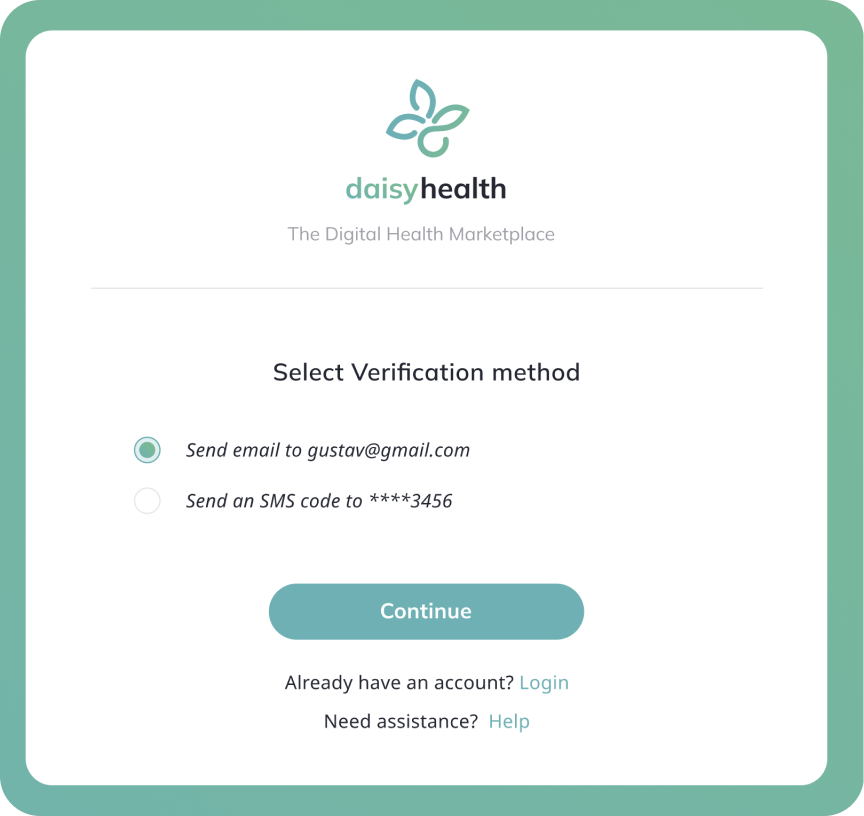
If you do not see this screen, it may indicate that your broker did not include your mobile phone when creating the proposal. In such cases, kindly reach out to your broker to add your mobile phone if necessary.