
July: preview and compare plan options

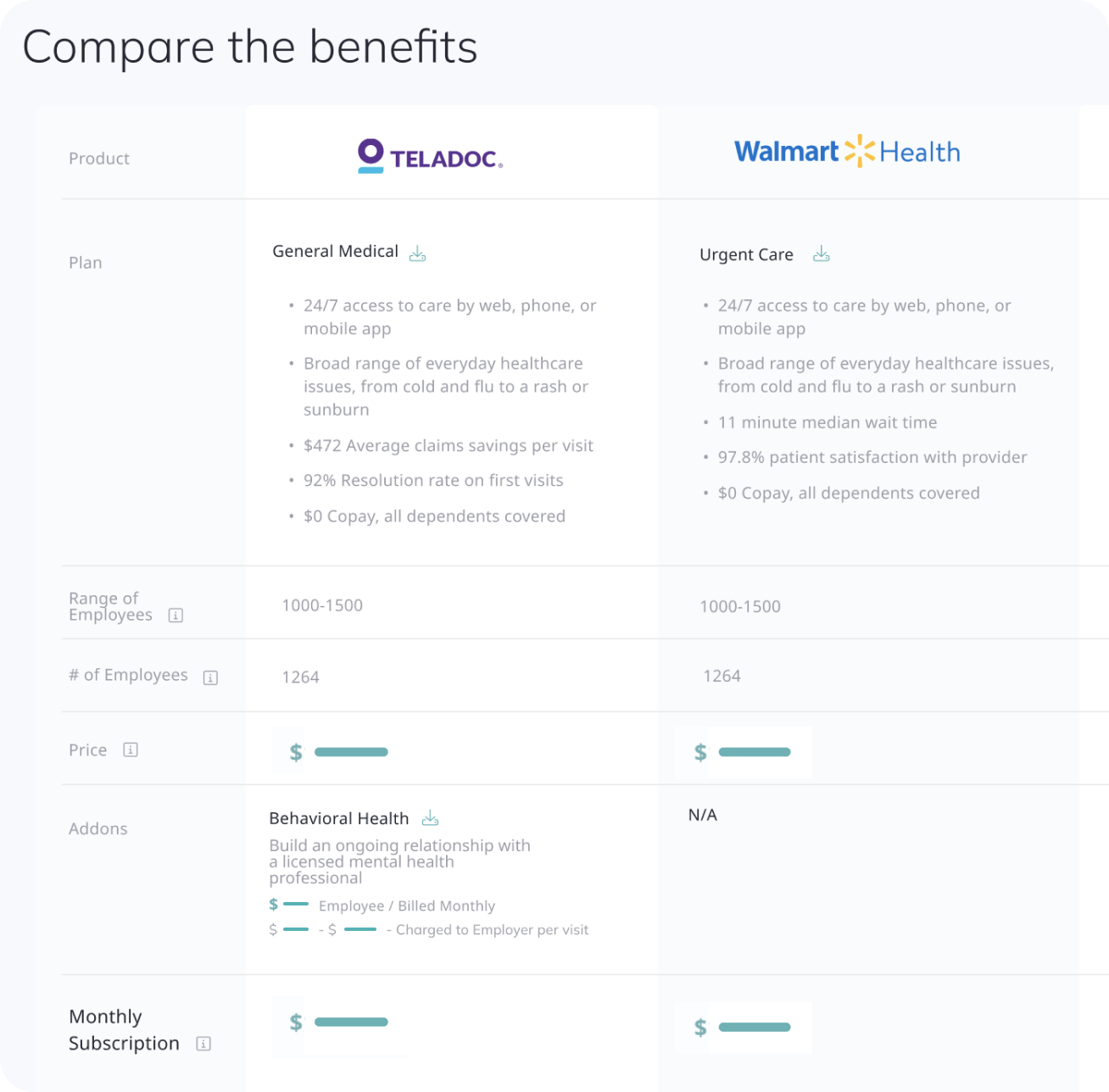
Preview additional plan options of your proposals for detailed comparison in a dedicated table view.
Enjoy the new filter-sensitive employee export process.
Compare benefit plans
PROPOSALS
Introducing the enhanced product comparison feature for a more enhanced proposal process!
From now on, your Broker can easily include additional plan options to the proposal, each presented as a separate line for straightforward comparison in a dedicated table view so that you can pick the best choice and assess cost-benefit analysis.
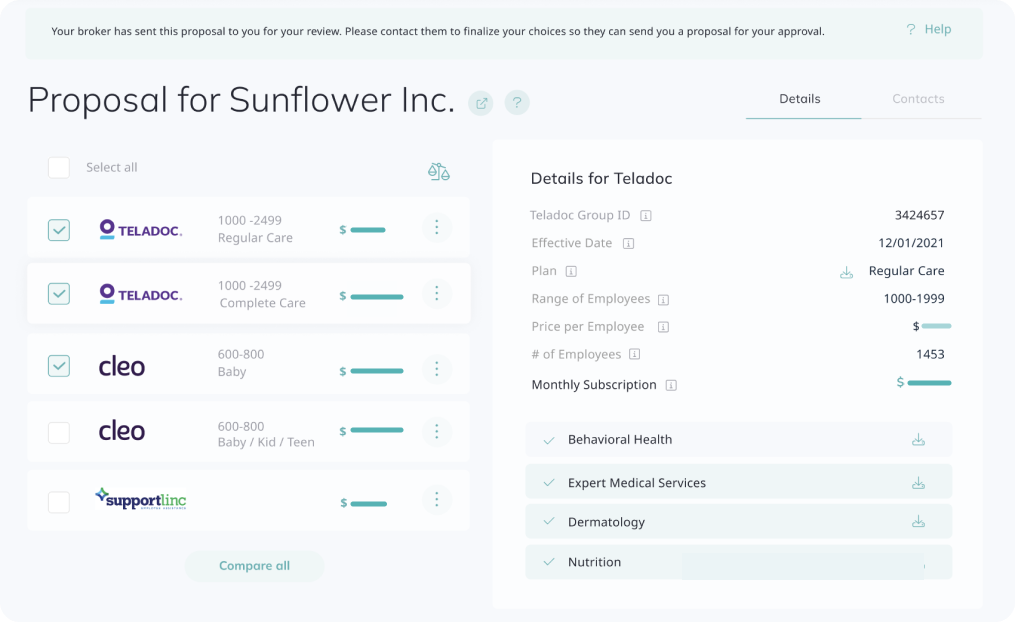
You can easily compare the available choices by enabling the side-by-side comparison table.
The Proposal with the status set to preview appears with the totals hidden, and no "Proceed to Checkout" button available. Follow up with your broker to finalize your choices so they can send you a proposal for your approval.
Review proposal compare action
PROPOSALS
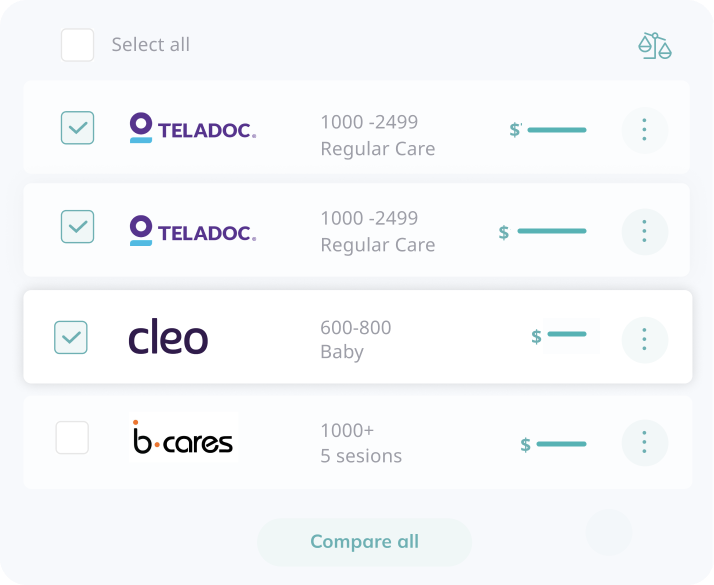
A new feature with multiple checkboxes is now available, granting you greater control over the benefits selection process.
Easily compare different product options by selecting the checkboxes next to the product tiles. Once selected, click the green scales icon to initiate a side-by-side comparison of the chosen options. For a comprehensive overview, you can also click the "Compare all" button to open the comparator table, which includes all products from the current proposal.
Filter-sensitive employee export
USERS
Now, your exported employee table will precisely reflect the filters applied, providing accurate and targeted data for seamless analysis and reporting.
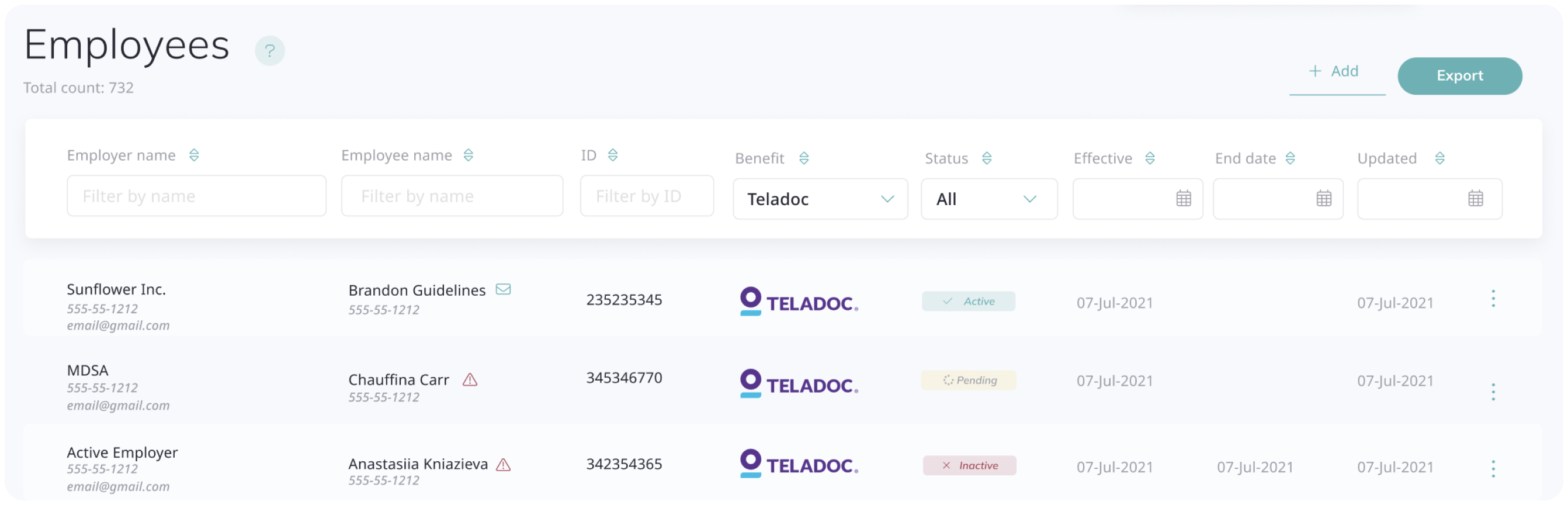
Note that if you use the employer filter, you must select the same company in the subsequent modal so that the correct company’s data is exported.
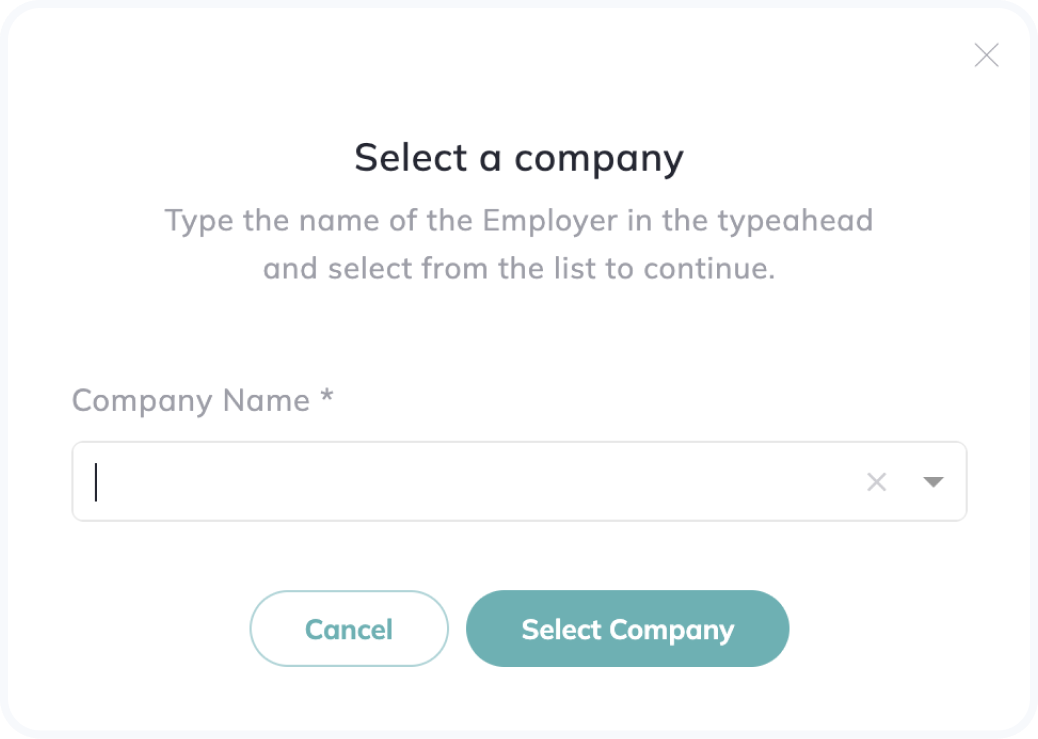
Enjoy a streamlined and hassle-free process for accurate data analysis and reporting that can be further analyzed in your favorite spreadsheet tool.