April: new interfaces and products

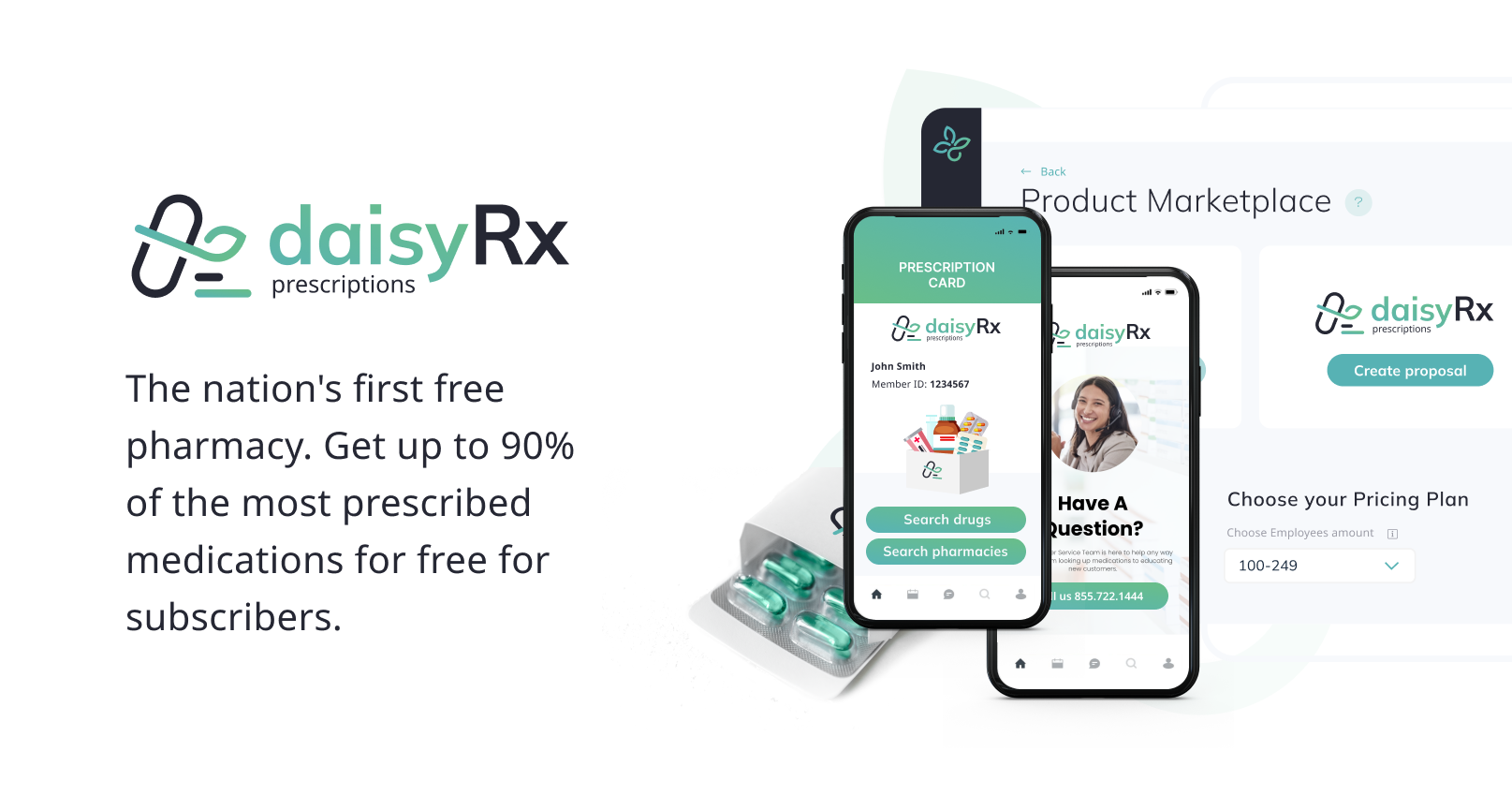
We are thrilled to announce the launch of our latest product, daisyRx! With over 600 prescriptions available with no copay, daisyRx is the perfect solution for those looking for affordable healthcare options. We've also updated the app with enhanced pricing and subscription details, providing greater transparency and ease of use to empower your broker interactions. Explore these new features today.
DaisyRx: a new prescription product from daisy.health
PRODUCTS
We're excited to unveil daisyRx, our newest healthcare innovation! With access to over 600 prescription medications at local pharmacies or through mail-order without a copay, daisyRx is your answer to cost-effective healthcare. Embrace the future of affordable health solutions with daisyRx.
Request more information on this great new product from your broker today!

The ability to marry a prescription plan with medical care benefits on the daisy.health app is a win-win. Soon we will be providing cost-effective plans to bundle these solutions more easily!
Employer Subscriptions UI feature
PROFILE
A new UI on the Subscriptions tab is now available to more effectively see the details of each product.
You can see a list of Subscriptions on the left side of the page. Clicking on each benefit tile will provide an overview on the right side.
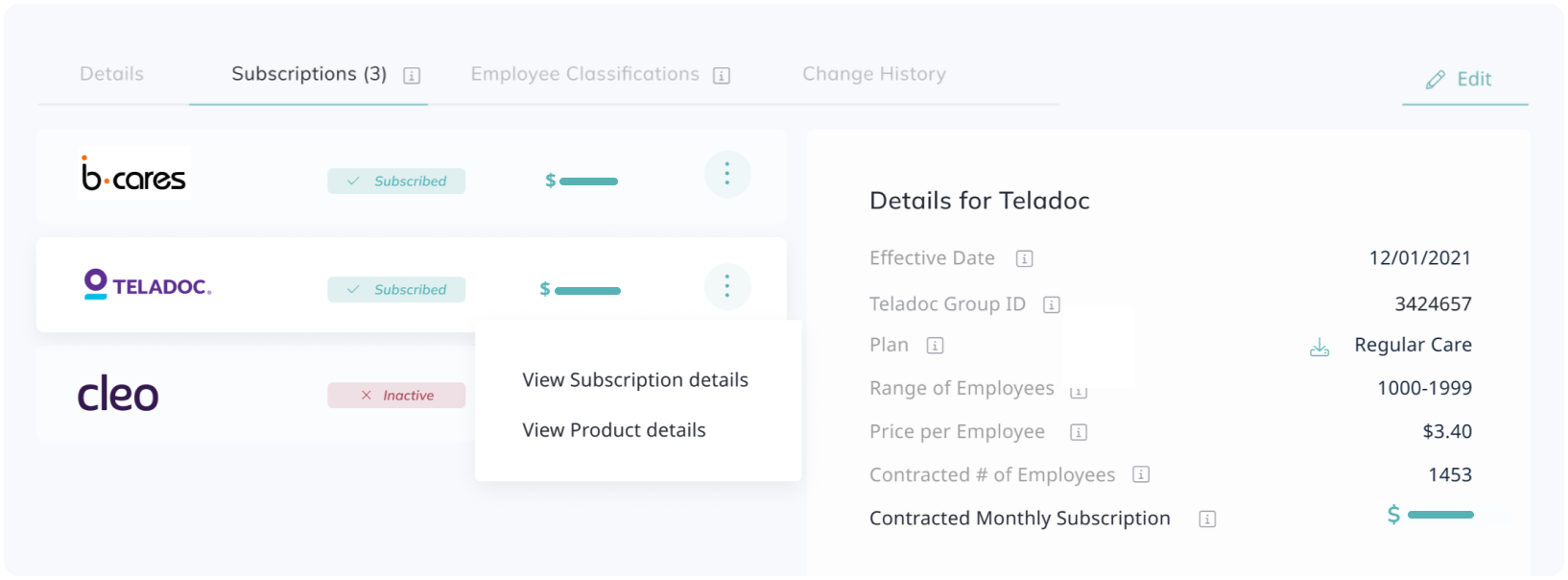
By the “View Proposal Details" option from the dropdown menu, you will be redirected to the related Proposal page.
You can view plan details by clicking the green “download” icon under the Details panel next to the plan name. It will open a PDF describing the selected pricing plan for each benefit.
Additional features upon accepting the proposal
SUBSCRIPTIONS
When subscribing to a new proposal, you can view selected pricing plan details by clicking the green “download” icon next to the plan name under the Details block.
This will open a PDF in a new window describing the selected pricing plan for this benefit.
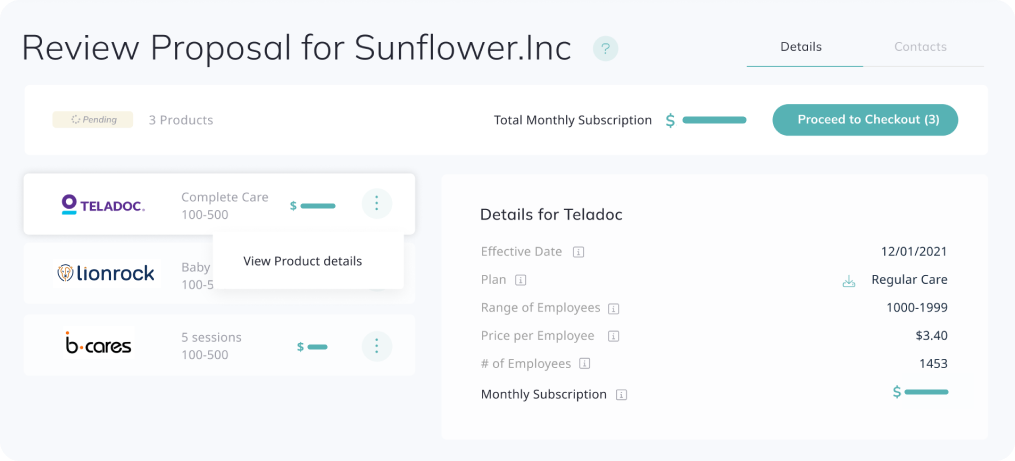
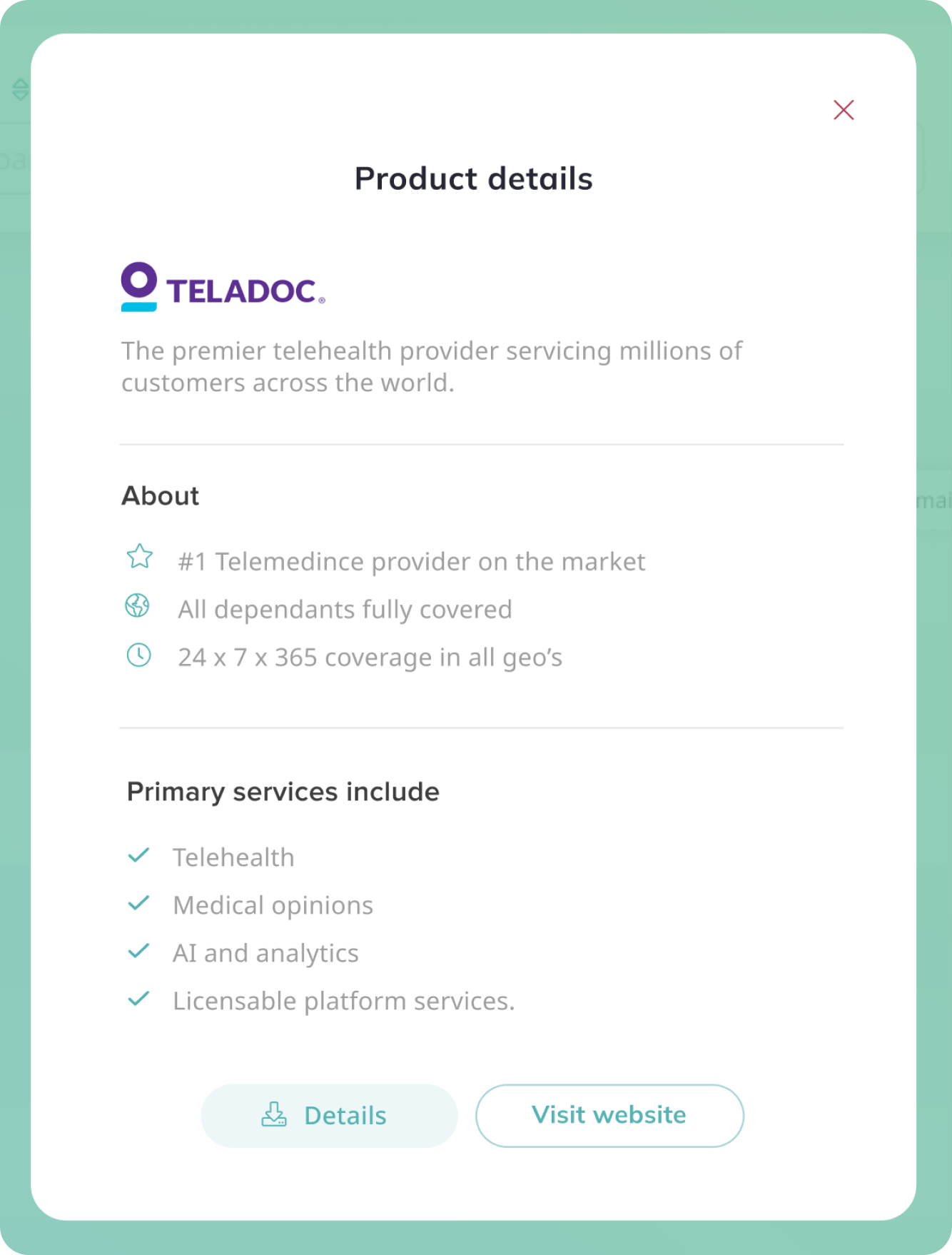
View Product Details from the context menu will open a modal window with the Product's description and the ability to download additional information (if applicable).
New Active Subscription page UI
SUBSCRIPTIONS
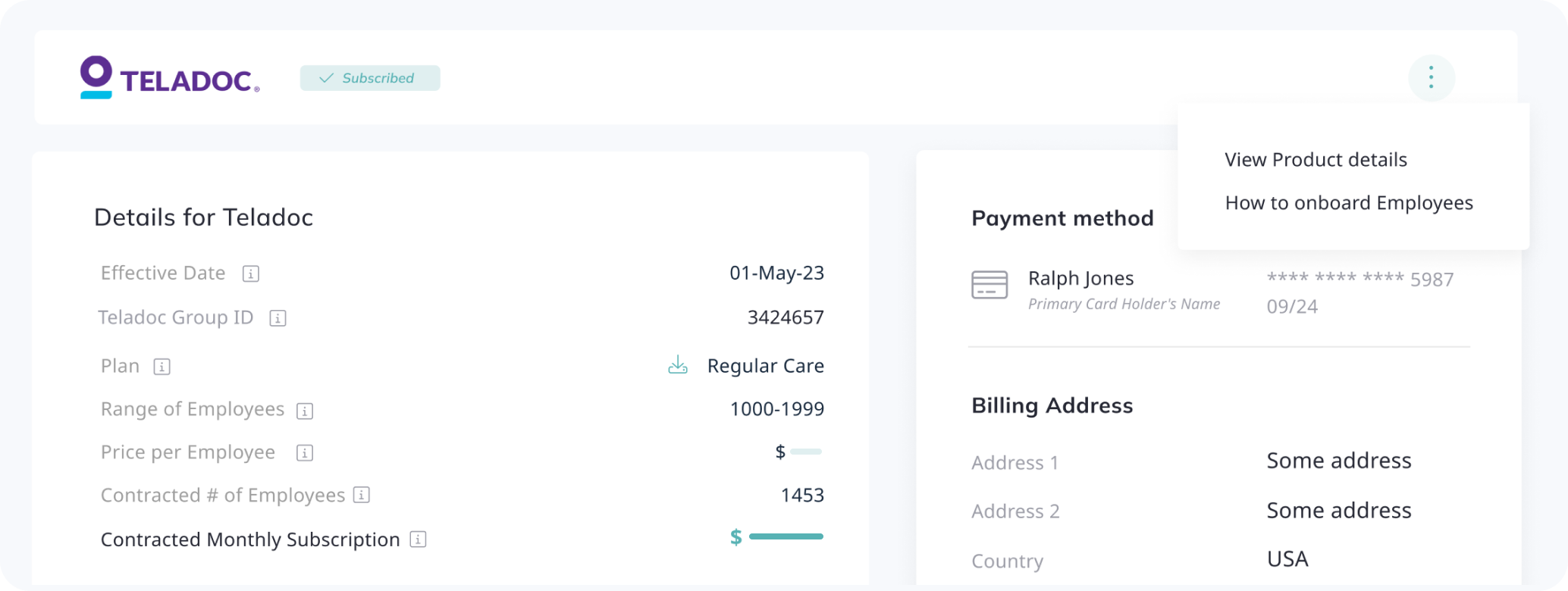
The Active Subscription page now contains more helpful information, such as the plan and product details, the Range of Employees and Price per Employee, and a link to our onboarding guide for subscribers.
Contact information was removed from this view. It is still available under the Employer Profile page.